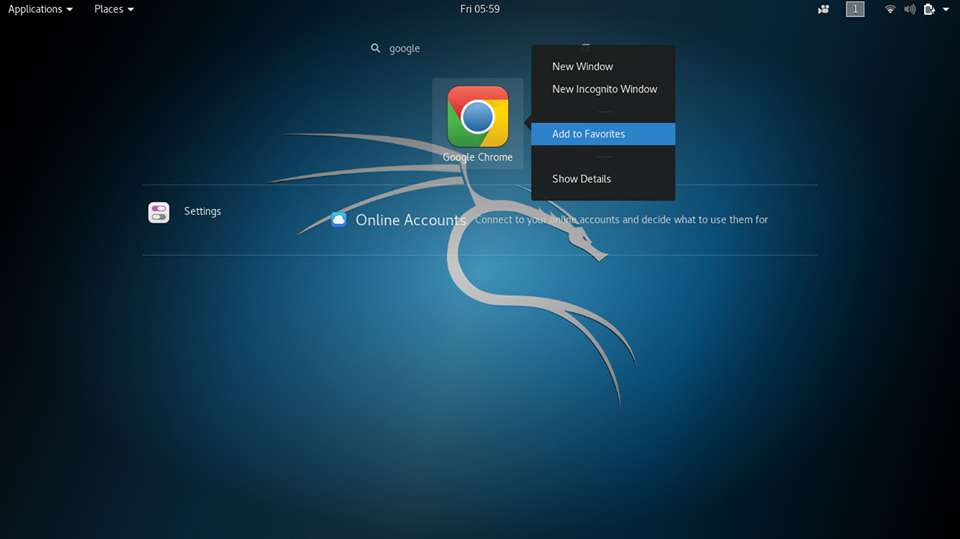
Google chrome is one of the most popular browsers. But unfortunately, it’s not inbuilt in Kali Linux that we have to install it manually.
There is also the problem that Google-chrome doesn’t run on root account, So in this tutorial, We learn that how to install google-chrome as well as how to run it on root user.
If Kali Linux new version does not work google chrome.
1.Go to the directory where you download google-chrome, open terminal and Type command: ls 2.Type following command.
dpkg -i google-chrome-stable_current_amd64.deb :::::::::::::::::::::::::::::::::::::::::::::::::::::::::::::::::::::::::::::Problem:::::::::::::::::::::::::::::::::::::::::::::::::::::::::::::::::::::::: Selecting previously unselected package google-chrome-stable. (Reading database ... 322564 files and directories currently installed.) Preparing to unpack google-chrome-stable_current_amd64.deb ... Unpacking google-chrome-stable (65.0.3325.181-1) ... dpkg: dependency problems prevent configuration of google-chrome-stable: google-chrome-stable depends on libappindicator1; however: Package libappindicator1 is not installed. dpkg: error processing package google-chrome-stable (--install): dependency problems - leaving unconfigured Processing triggers for man-db (2.7.6.1-4) ... Processing triggers for gnome-menus (3.13.3-11) ... Processing triggers for desktop-file-utils (0.23-2) ... Processing triggers for mime-support (3.60) ... Processing triggers for menu (2.1.47+b1) ... Errors were encountered while processing: google-chrome-stable 3.Now install dependencies for google-chrome by using the following command:
leafpad /opt/google/chrome/google-chrome 4.Go to the directory /opt/google-chrome open bash file google-chrome into your favorite text-editor scroll it up-to end of file
Edit the file that and save it as given below.
exec -a "$0" "$HERE/chrome" "$@" --usr-bin --no-sandbox
5.To run google-chrome on root user, open terminal, and type: